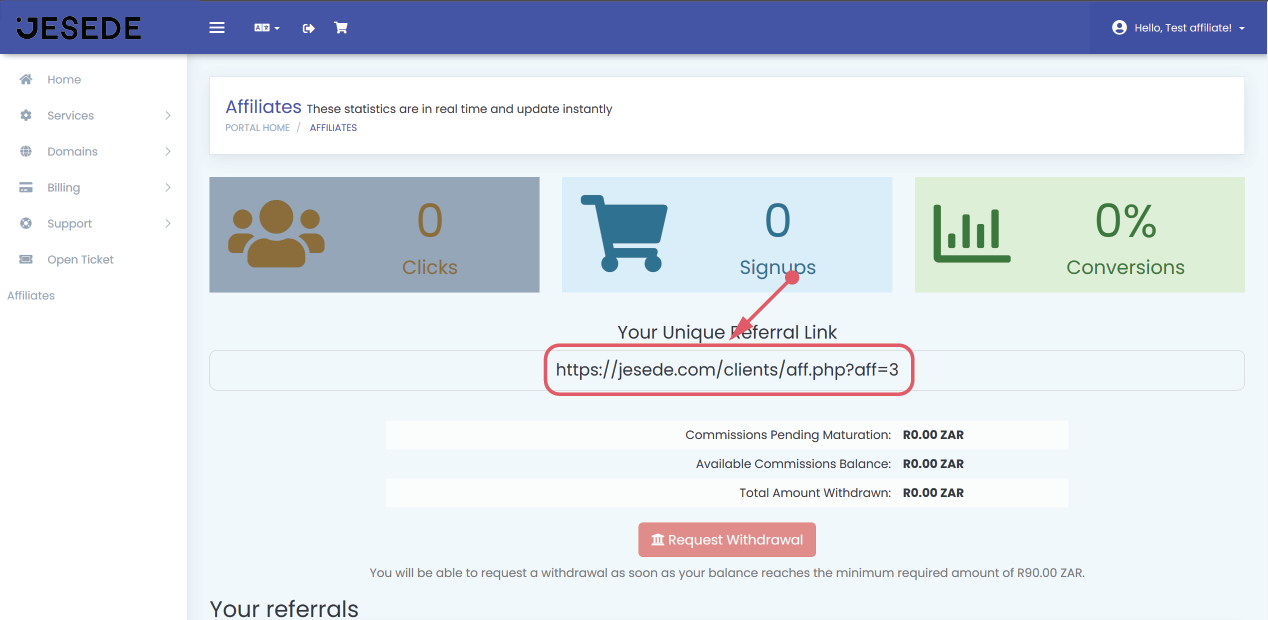
This article gives you steps to registering as a Jesede affiliate - as a new or existing Jesede user.
Registering as an affiliate for existing Jesede users
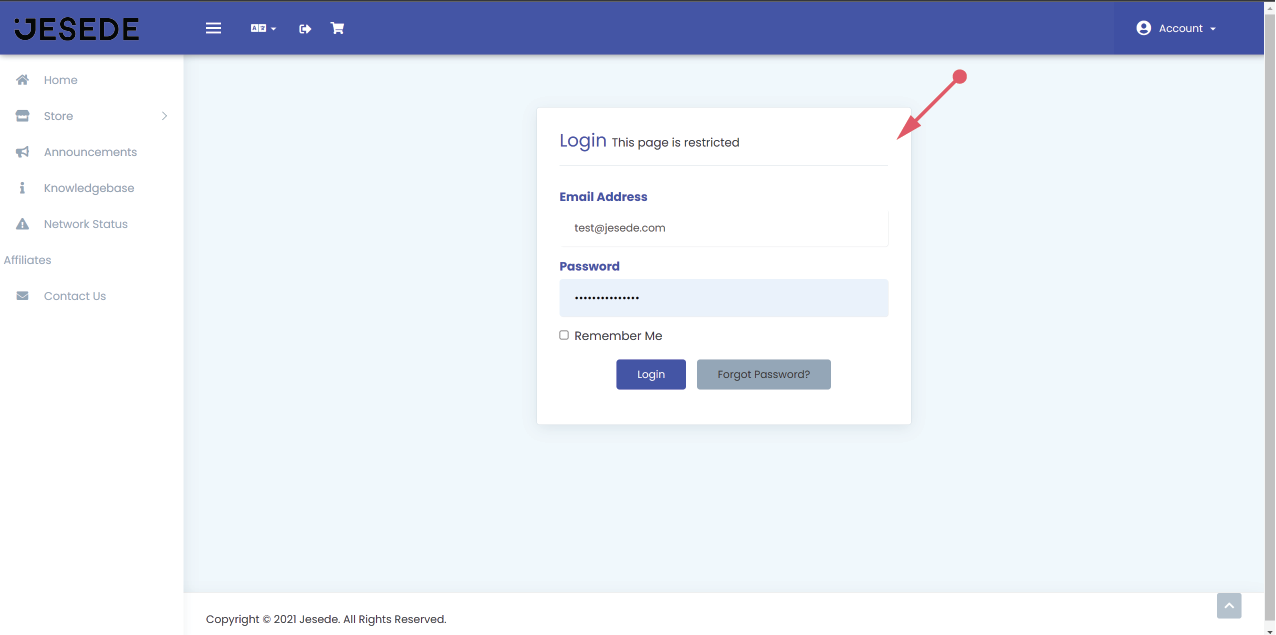
Step 1: Login to your Jesede account by clicking here. If you're new to Jesede, register for a free account by clicking here.
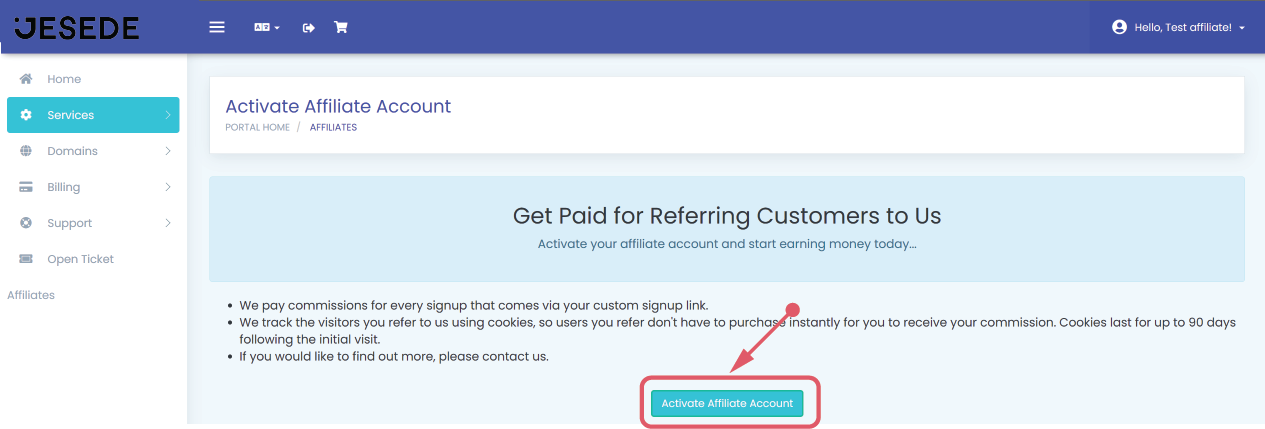
Step 2: Click on the "Activate Affiliate Account" button.
Step 4: You're now an affiliate. It was that easy. Now you can copy and share your affiliate link.